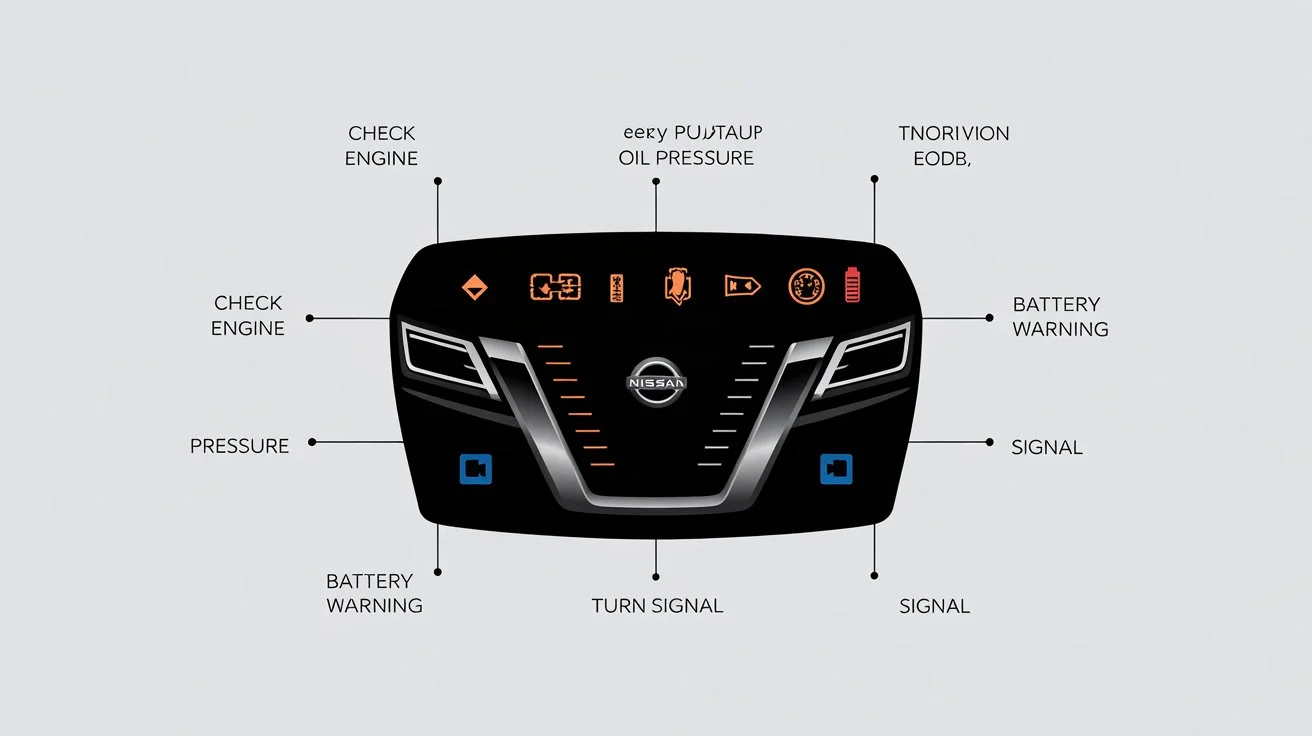
Modern cars talk to us—just not in words. Instead, they flash icons, colors, and symbols across the dashboard. If you’ve ever glanced down while driving and thought, “Uh… should I be worried?” you’re not alone.
This guide is your go-to, Gen-Z–friendly breakdown of nissan dashboard symbols and meanings—written in plain English, no mechanic degree required. Whether you’re driving to school, work, or a late-night food run, understanding these lights can save you stress, time, and money.
⚡ Quick Answer
Dashboard symbols in Nissan vehicles are visual alerts that show your car’s status.
- Green or blue lights = info or features are active
- Yellow or amber lights = caution, check soon
- Red lights = stop and take action immediately
Knowing what each symbol means helps you drive safer, avoid damage, and respond the right way without panicking.
🧠 Why Dashboard Symbols Matter More Than You Think
Your car is basically a rolling computer. Sensors track everything: engine health, brakes, tire pressure, even lane position.
Dashboard symbols exist to:
- Warn you before something breaks
- Protect passengers and the engine
- Help you drive more efficiently
- Prevent expensive repairs later
Ignoring a warning light is like ignoring a low-battery alert on your phone—except way more expensive.
🚦 Understanding Dashboard Light Colors (The Cheat Code)
Before diving into specific symbols, learn the color logic.
🔴 Red Lights — Act Now
These indicate serious issues.
- Engine overheating
- Brake system failure
- Oil pressure loss
What to do: Pull over safely and address the issue immediately.
🟡 Yellow / Amber Lights — Pay Attention
These suggest something needs checking.
- Low tire pressure
- Engine warning
- Traction control alerts
What to do: You can keep driving, but don’t ignore it.
🟢 Green / 🔵 Blue Lights — All Good
These show systems are active.
- Headlights on
- Cruise control engaged
- Eco mode running
What to do: Nothing. Just drive.
🔧 Engine & Performance Warning Symbols
🚨 Check Engine Light
This is the most famous (and feared) one.
What it means:
- Loose gas cap
- Sensor malfunction
- Emission system issue
Real-life scenario:
Your car feels fine, but the light pops on. It might be minor—but get it scanned soon.
🌡️ Engine Temperature Warning
Looks like a thermometer over waves.
What it means:
- Engine is overheating
- Coolant issue
Action:
Stop driving ASAP. Overheating can destroy an engine fast.
🛢️ Oil Pressure Warning
Oil can icon = big deal.
What it means:
- Low oil pressure
- Oil leak or pump issue
Action:
Turn off the engine. Driving without oil = instant damage.
🛑 Brake & Safety System Symbols
🛑 Brake Warning Light
Usually a circle with an exclamation mark.
Possible reasons:
- Parking brake engaged
- Low brake fluid
- Brake system issue
Tip:
If it stays on while driving, get it checked immediately.
🚗 ABS Light
Shows “ABS” inside a circle.
What it means:
- Anti-lock braking system isn’t working
Good news:
Regular brakes still work, but hard braking may cause wheel lock.
🧍 Airbag Warning Light
Shows a seated person with a circle.
What it means:
- Airbags may not deploy in a crash
Why it matters:
This directly affects safety. Don’t ignore it.
🛞 Tires, Traction & Stability Icons
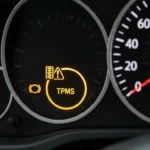
🛞 Tire Pressure Warning
Looks like a horseshoe with an exclamation mark.
What it means:
- One or more tires are underinflated
Quick fix:
Check tire pressure and inflate to the recommended PSI.
🌀 Traction Control Indicator
Car with squiggly lines underneath.
What it means:
- System is helping prevent wheel slip
If it stays on:
There may be a sensor issue.
🧭 Stability Control Warning
Similar to traction control but more serious.
What it means:
- Electronic stability system is off or malfunctioning
Driving tip:
Be extra cautious on wet or slippery roads.
🔋 Electrical & Battery Symbols
🔋 Battery Warning Light
Battery-shaped icon.
What it means:
- Charging system issue
- Alternator problem
Reality check:
Your car may stop running once the battery dies.
💡 Headlight Indicator Lights
- Green = low beams on
- Blue = high beams on
No action needed—just awareness.
🚘 Driver Assistance & Smart Tech Symbols
🛣️ Lane Departure Warning
Car drifting between lines.
What it means:
- You’re leaving your lane without signaling
Gen-Z tip:
It’s like your car saying, “Hey, focus.”
🚗 Adaptive Cruise Control
Car with speed lines or radar waves.
What it means:
- Cruise control is maintaining distance automatically
Best use:
Highways and long drives.
🚨 Forward Collision Warning
Car crashing into a star symbol.
What it means:
- Risk of frontal collision detected
Action:
Brake immediately if alert sounds.
🌱 Eco & Fuel Efficiency Indicators
🍃 ECO Mode Light
Green leaf or “ECO” text.
What it means:
- Fuel-saving mode is active
Bonus:
Better mileage, smoother driving.
⛽ Low Fuel Warning
Gas pump icon.
What it means:
- Fuel is critically low
Pro tip:
Don’t push it. Running empty can damage the fuel system.
🧩 What to Do When a Light Comes On
Don’t panic. Follow this simple checklist:
- Note the color
- Check if the car feels different
- Pull over if it’s red
- Use the owner’s manual
- Get diagnostics if unsure
Most auto shops scan warning codes for free.
📘 Why Learning These Symbols Makes You a Smarter Driver
Understanding dashboard alerts helps you:
- Avoid breakdowns
- Stay safe on the road
- Communicate better with mechanics
- Save money long-term
It’s low-key one of the most underrated driving skills.
🏁 Final Thoughts
Dashboard symbols aren’t there to scare you—they’re there to help. Once you understand what each light means, driving feels less stressful and way more controlled.
Think of your Nissan dashboard like notifications on your phone. Ignore them, and things go downhill. Understand them, and you stay ahead of problems.
Now you’re officially dashboard-smart. Drive safe. 😎🚘